Unlock Your Favorite Shows, Sports, and Services from Anywhere in the World
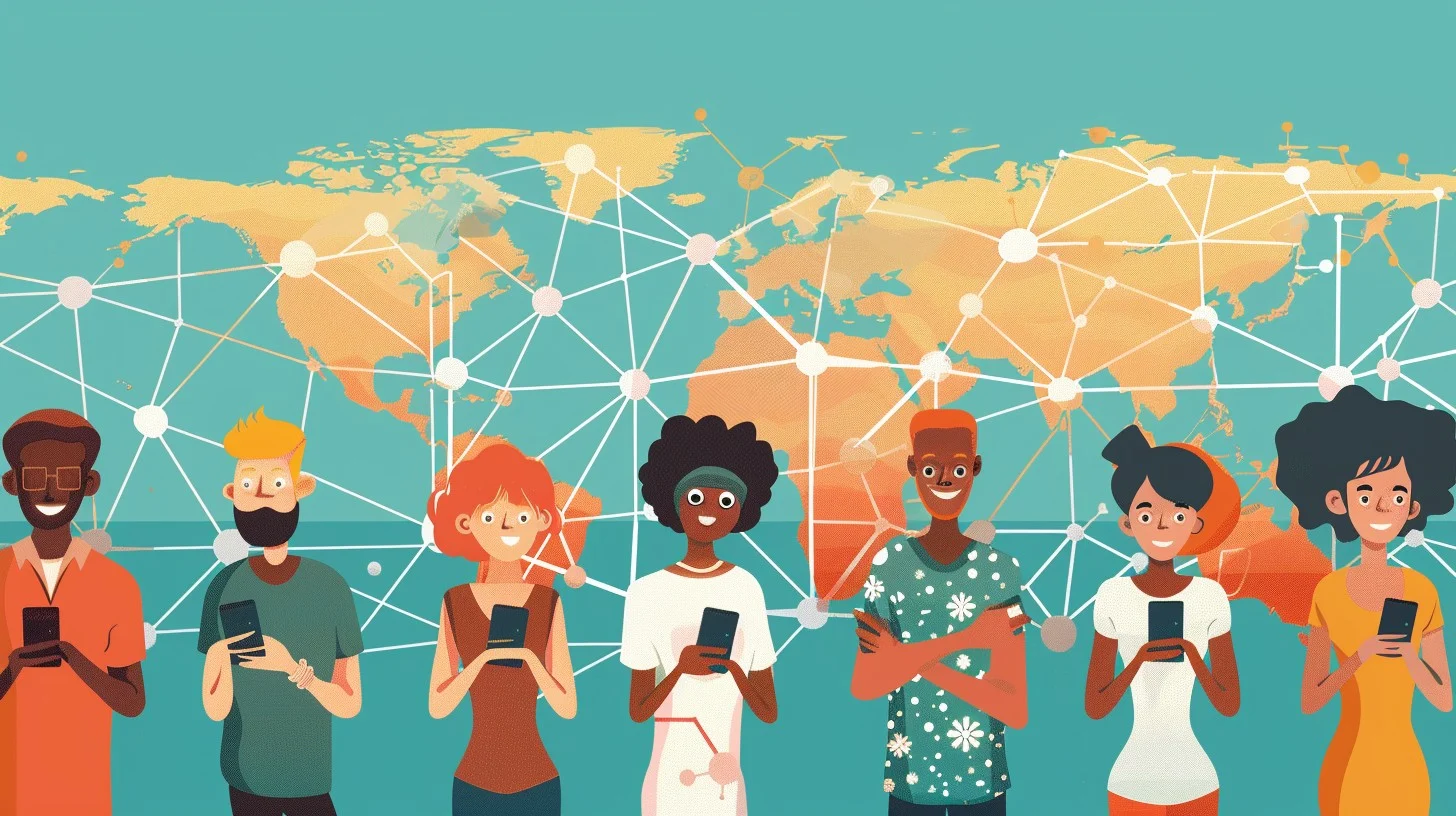
In today’s digital age, content has no borders—until it does. If you’ve ever tried to watch a Netflix show only to find it unavailable in your country, or attempted to access a regional news site while traveling, you’ve encountered geo-restrictions. These digital roadblocks prevent users in certain regions from viewing specific content based on their IP address. But there’s a simple, effective solution: a Virtual Private Network (VPN).
A VPN allows you to securely connect to the internet through servers in different countries, masking your real IP address and virtually placing you in a different location. This lets you bypass geo-blocks, stream global content, and enjoy an unrestricted internet experience—safely and privately.
Below is a step-by-step guide on how to use a VPN to access geo-restricted content, along with expert tips to help you choose the best VPN for your needs in 2025.
🌍 What is Geo-Restricted Content?
Geo-restricted content refers to digital material (videos, websites, apps) that is only available to users in specific geographic locations. It’s commonly used by streaming services, sports broadcasters, and even government websites to comply with licensing agreements, regional laws, or security policies.
Examples include:
- U.S. Netflix catalog not available outside the U.S.
- BBC iPlayer accessible only in the UK
- Sports events streamed only in select countries
- Censorship of news and social media platforms in certain regions
🔐 Why a VPN is the Best Solution
A VPN (Virtual Private Network) encrypts your internet connection and routes it through a secure server in a country of your choice. This does two things:
- Hides your real IP address, replacing it with one from the VPN server
- Encrypts your data, protecting it from hackers and third parties
This means you can:
- Appear to be in the U.S., UK, Japan, etc., and access local content
- Bypass government censorship or content bans
- Stream privately and securely, especially on public Wi-Fi
🧭 Step-by-Step: How to Use a VPN to Unlock Global Content
✅ Step 1: Choose a Trusted VPN Provider
Not every VPN can unblock streaming platforms or provide fast speeds. For geo-restricted content, choose a VPN that offers:
- High-speed servers optimized for streaming
- Wide server coverage across many countries
- Strong encryption and zero-logs policy
- Streaming support for Netflix, Disney+, Hulu, BBC iPlayer, and more
Top VPNs for Streaming in 2025:
- NordVPN – Blazing fast with SmartPlay tech for smart unblocking
- ExpressVPN – Trusted and highly effective for bypassing restrictions
- Surfshark – Budget-friendly and allows unlimited device connections
- CyberGhost – Offers dedicated streaming-optimized servers
- Proton VPN – Focuses on privacy and offers a reliable free plan
📱 Step 2: Install the VPN on Your Device
Once you subscribe, install the VPN app on the device you plan to use. Most VPNs support:
- Windows, macOS, Linux
- iOS and Android
- Smart TVs, streaming sticks (Fire TV, Roku)
- Routers, and browser extensions
After installation, log in with your account credentials.
🌐 Step 3: Connect to the Right Server
To unlock content:
- Open your VPN app
- Choose a server in the country where the content is accessible
- Click “Connect”
✅ Example: Want to watch Hulu? Connect to a U.S. server.
✅ Want BBC iPlayer? Choose a UK server.
Once connected, your IP changes, and websites will recognize you as a visitor from that country.
🎥 Step 4: Access Your Desired Content
Open the streaming platform, app, or website. You should now have full access.
Common content to unlock with a VPN:
- Netflix U.S. exclusives
- Live international sports (ESPN, Sky Sports)
- Foreign news platforms
- Blocked YouTube videos
- Social media in censored regions
Troubleshooting Tips:
- Clear your browser’s cookies and cache
- Switch to another server in the same country
- Contact your VPN’s support for help with content-specific access
🔌 Step 5: Disconnect or Stay Secure
When you’re done watching or browsing, you can disconnect. However, many users prefer staying connected to maintain privacy—especially on public networks like airports, cafes, or hotels.
💡 Expert Tips for Smooth VPN Streaming
- ✅ Use Ethernet or strong Wi-Fi for faster speeds
- ✅ Choose VPN servers labeled “Streaming” or “Optimized”
- ✅ Enable the kill switch to avoid data leaks
- ✅ Avoid free VPNs—they often throttle speeds, log your data, or fail to unblock streaming sites
🚫 Can Using a VPN for Streaming Get You Banned?
Most streaming platforms frown upon VPN use but don’t ban individual users for accessing content from other regions. At worst, they might display a message like “You seem to be using an unblocker.”
Simply disconnect, switch servers, and try again.
Using a premium VPN with stealth features (like Surfshark’s Camouflage Mode or NordVPN’s Obfuscated Servers) can often prevent detection entirely.
📌 Final Thoughts: Open Up a Borderless Internet
In 2025, a VPN is no longer optional—it’s essential. From accessing global content to safeguarding your personal data, VPNs unlock the full potential of the web while keeping you secure.
Whether you’re a digital nomad, international sports fan, or just a binge-watcher looking for better options, using a VPN to bypass geo-restrictions is simple, safe, and incredibly effective.
🌐 Ready to stream the world?
Choose a trusted VPN, follow the steps above, and enjoy a truly global online experience—no matter where you are.






Leave a Reply