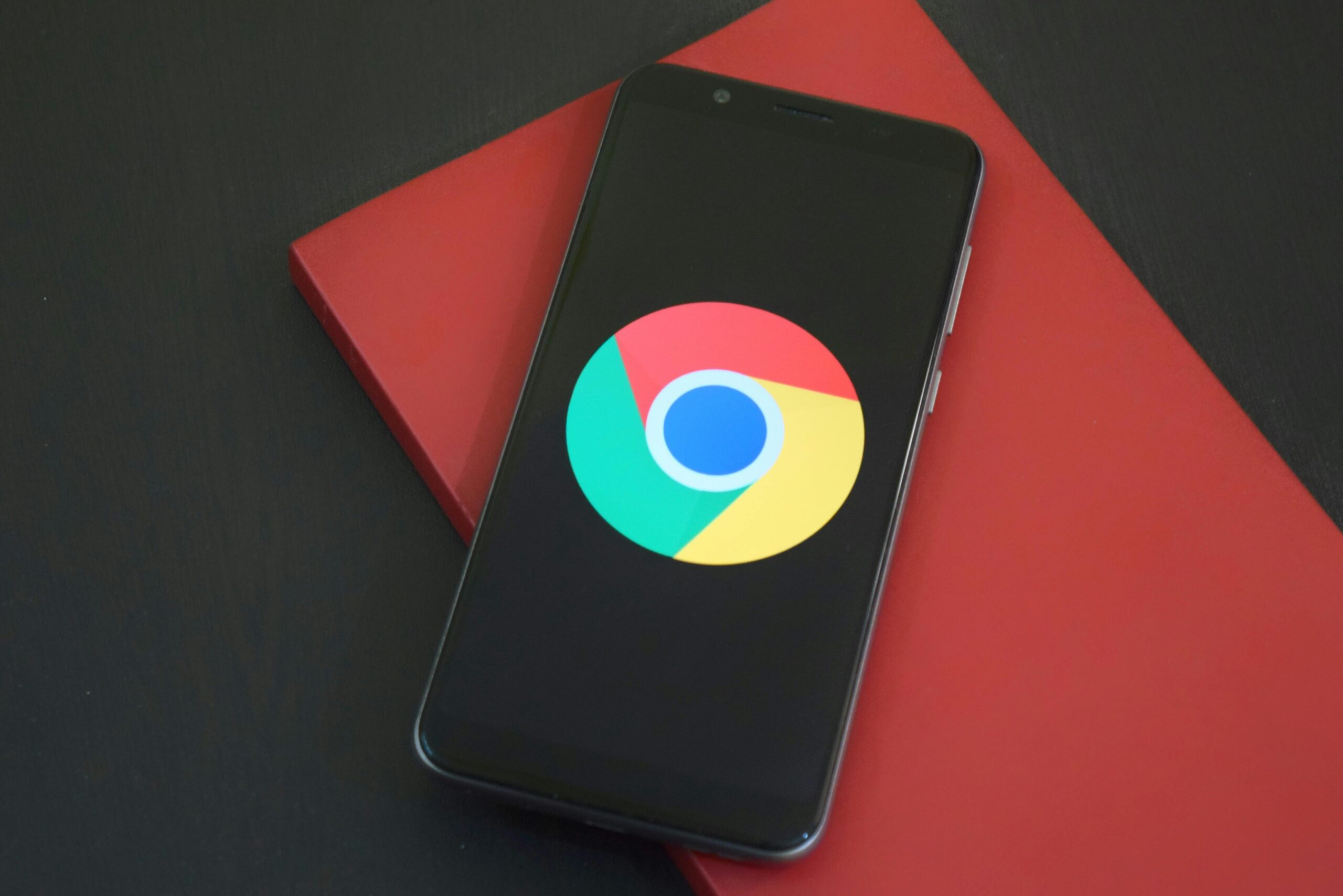
In today’s fast-paced digital world, productivity is no longer a luxury—it’s a necessity. Whether you’re a student managing assignments, a remote employee juggling tasks, a freelancer optimizing billable hours, or an entrepreneur streamlining your business operations, browser-based efficiency is key. And with Google Chrome being the world’s most popular browser, it’s no surprise that Chrome extensions are at the heart of this transformation.
Chrome extensions act like mini productivity powerhouses, helping you reduce distractions, automate tasks, organize information, and stay focused. In 2025, with hybrid work and digital nomadism becoming the norm, the right Chrome tools can significantly elevate how you work and collaborate.
Here are five of the best Chrome extensions you should be using to boost your workflow and stay ahead of the curve this year:
1. Notion Web Clipper
Best for: Capturing and organizing online content effortlessly
If you’re a Notion user, this extension is a must-have. The Notion Web Clipper lets you save any web page, article, or piece of content directly into your Notion workspace with just one click. Whether you’re conducting research, planning content, or archiving inspiration, you can instantly save snippets or full pages to custom databases or notes—without disrupting your browsing flow.
Key Features:
- Save entire pages or selected text
- Assign clips to specific Notion pages or folders
- Available across all major websites and news platforms
Why It Boosts Productivity:
✔ Keeps all your research in one place
✔ Helps avoid cluttered bookmarks
✔ Eliminates the need to switch between tabs and tools
2. Grammarly for Chrome
Best for: Flawless, confident communication
Poor grammar and typos can damage your credibility, especially if you’re creating professional content or sending important emails. Grammarly is your intelligent writing assistant, checking your spelling, punctuation, clarity, tone, and conciseness in real-time across websites—from Gmail to LinkedIn and Google Docs.
Key Features:
- Advanced grammar and spell check
- Style enhancements and tone detection
- AI writing suggestions tailored to context
Why It Boosts Productivity:
✔ Saves time proofreading and editing
✔ Ensures your writing is polished and professional
✔ Great for content creators, students, marketers, and remote teams
3. Momentum
Best for: Creating a focused and inspiring workspace
Momentum transforms your new tab screen into a minimalist dashboard with a stunning background, motivational quotes, your to-do list, and a daily focus area. It’s more than just eye candy—it’s a mindfulness tool for digital workers.
Key Features:
- Personalized daily goals and reminders
- Weather widget and productivity tracker
- Integration with task apps like Trello and Todoist
Why It Boosts Productivity:
✔ Encourages intentional work
✔ Reduces tab overload and decision fatigue
✔ Reinforces habit-building and consistency
4. Toggl Track
Best for: Time management and billing insights
Toggl Track is a powerful time tracking tool that integrates with over 100 apps, including Asana, Trello, Slack, and Google Calendar. It helps freelancers, entrepreneurs, and teams track their time more efficiently and understand exactly how they’re spending their day.
Key Features:
- Start/stop timers in-browser
- Project and client tagging
- Automatic idle time detection
- Exportable timesheets and reports
Why It Boosts Productivity:
✔ Identifies time drains and distractions
✔ Improves task estimation for future projects
✔ Helps ensure accurate invoicing and fair billing
5. Loom
Best for: Replacing emails with short videos
Loom is a video messaging tool that allows you to quickly record your screen, voice, and webcam all at once. Whether you’re sending feedback, explaining a concept, or walking someone through a process, Loom saves time and makes communication more human and visual.
Key Features:
- Record screen + camera simultaneously
- Share videos instantly via URL
- Cloud storage with viewer engagement insights
- Available on desktop and mobile
Why It Boosts Productivity:
✔ Eliminates lengthy back-and-forth emails
✔ Makes collaboration more efficient
✔ Perfect for educators, YouTubers, and customer support teams
Bonus Tips: Maximize Chrome Extension Usage
While extensions can significantly enhance your workflow, having too many active at once can slow down your browser and cause clutter. Here’s how to keep things efficient:
- Audit Monthly: Disable or remove unused extensions regularly.
- Pin Essentials: Keep your top tools pinned for quick access.
- Update Often: Ensure all extensions are updated to the latest version for security and performance.
Final Thoughts
As we move deeper into 2025, optimizing how we work digitally has never been more important. The Chrome extensions listed above aren’t just popular—they’re practical, reliable, and effective tools designed to help you accomplish more in less time.
Whether you’re writing, researching, organizing, tracking time, or communicating with your team, there’s a Chrome extension that can help you do it better.
So why wait? Try these tools today and watch your productivity—and peace of mind—soar.






Leave a Reply